How to Clean a Phone Charging Port Without Damaging It
By WowPebble Editorial
A phone that charges only at certain angles may have pocket lint in its port. Learn how to check and clean it safely, and when to stop and seek help.
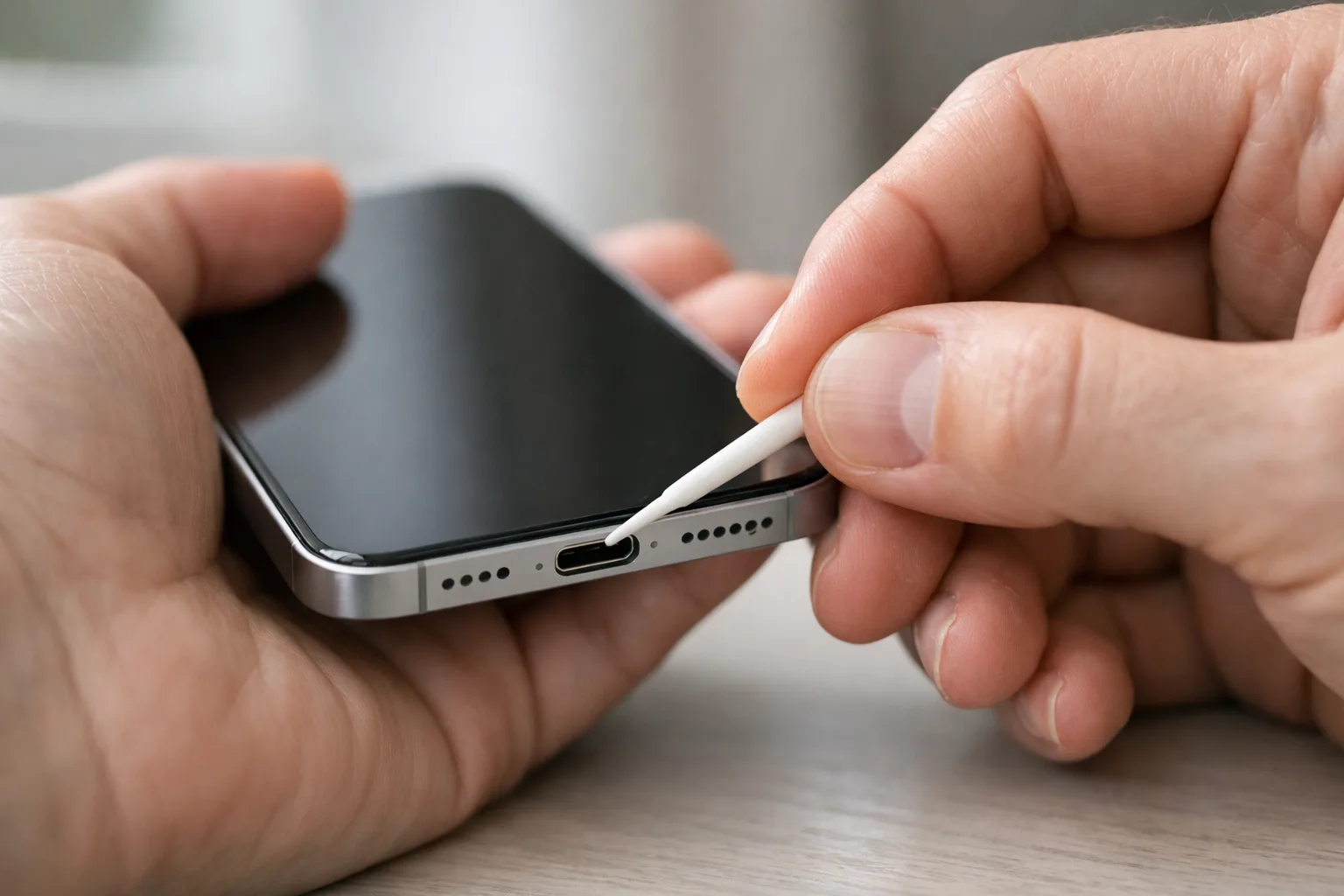
To clean a phone charging port without damaging it, begin with the instructions for your exact phone. Do not start by inserting a plastic pick: a nonmetallic tool can still catch a contact or damage the connector. A charging problem can also come from a cable, adapter or damaged port rather than removable lint.
Disconnect and inspect before trying a remedy
Stop charging before inspecting the port. If the phone or connector is unusually hot, follow the maker's shutdown and cooling instructions. Look at the opening in good light without putting anything inside. Note whether the phone displays a moisture or debris warning, whether the cable is damaged, and whether the connector appears bent, burned or corroded.
A known-good, compatible cable can help isolate an ordinary cable problem once the phone and port are safe to use. Do not reconnect a wet, damaged or overheating connector just to test it.
A documented example: Pixel debris guidance
Google’s Pixel instructions say not to put objects into the USB-C port or cable. For debris, the documented action is to face the port downward and gently tap the phone against your hand. For moisture, Google directs the user to switch the phone off and let it dry at room temperature. These are Pixel instructions, not a cleaning recipe for every connector.
If that permitted action does not remove the obstruction, stop. Do not escalate from a blocked plug to scraping inside the socket.
Treat a liquid warning differently from dry dust
Apple’s liquid-alert guidance covers both Lightning and USB-C iPhones. It advises disconnecting the cable, allowing drying as instructed, and avoiding foreign objects, external heat, compressed air and rice. Follow the timing and conditions on the page for your model; a dry-looking entrance does not establish that the connector is dry inside.
Do not treat an emergency override as a normal way to resume charging. If an alternative charging method is supported, follow its own safety instructions too.
When to use support rather than a tool
Contact the manufacturer or an authorised repairer if the port looks damaged, a warning persists beyond the maker's guidance, or compatible cables repeatedly fail to seat or charge normally. Do the same when the exact model's instructions do not permit a cleaning method you are considering.
Describe the symptom when requesting help: a loose plug, a liquid warning and intermittent charging are different observations. A clear description is more useful than repeated probing. The goal is reliable charging with an intact connector, not an opening that merely looks clean.
You might also like
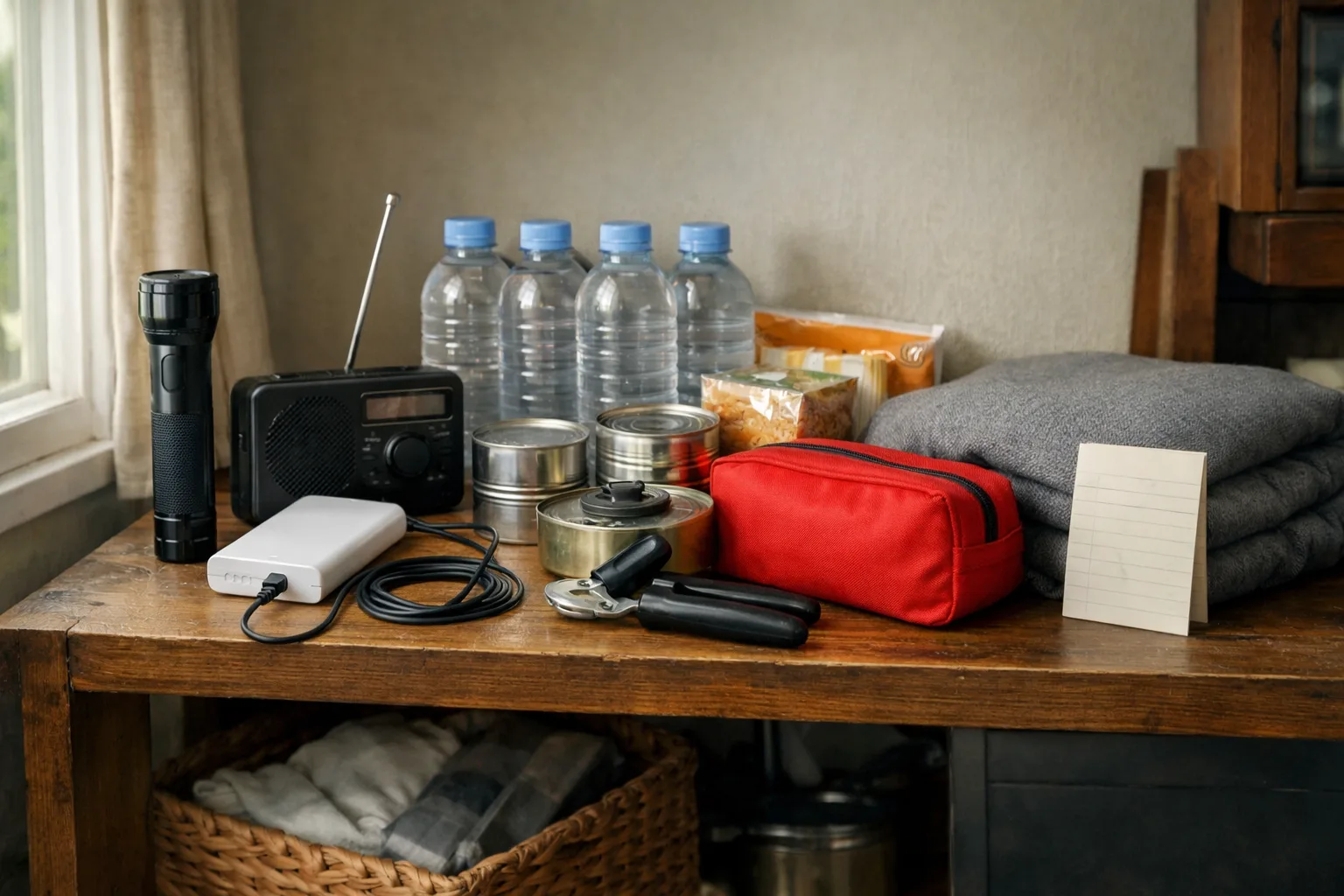
What to Keep in a Home Kit for a Power Outage
Build a practical outage kit with lighting, charged power banks, water, easy-to-eat food, essential medicines and supplies suited to your household.
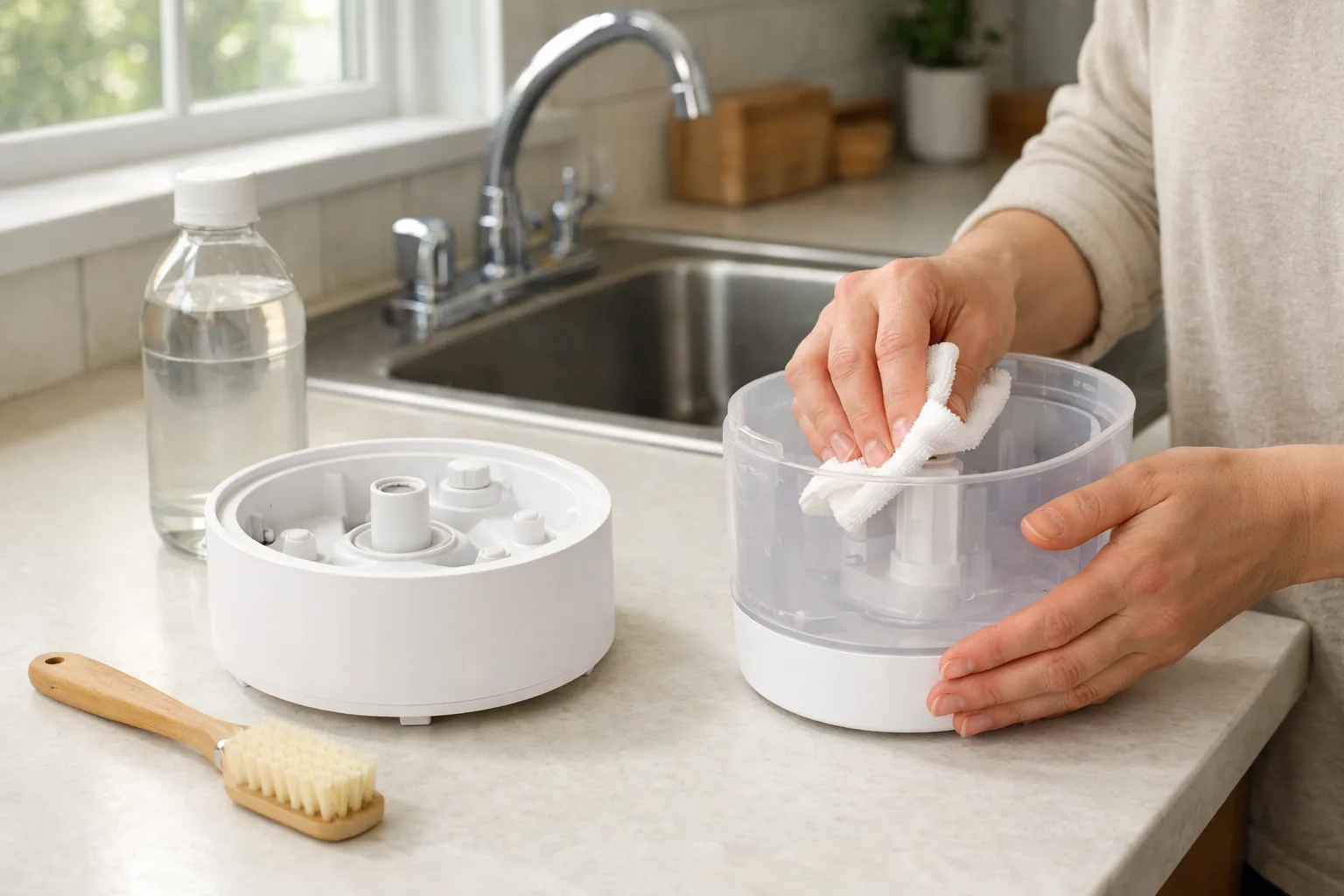
How to Clean a Humidifier and Stop Mineral Buildup
Clean your humidifier regularly to remove scale and reduce residue. Learn how to descale it safely, care for filters and prevent mineral buildup.

How to Remove Burnt Food from a Stainless Steel Pan
Loosen burnt-on food from a stainless steel pan with hot water and gentle scraping. For stubborn residue, add baking soda and scrub without damaging the finish.